Tome Reader — An Improvised Ereader Device
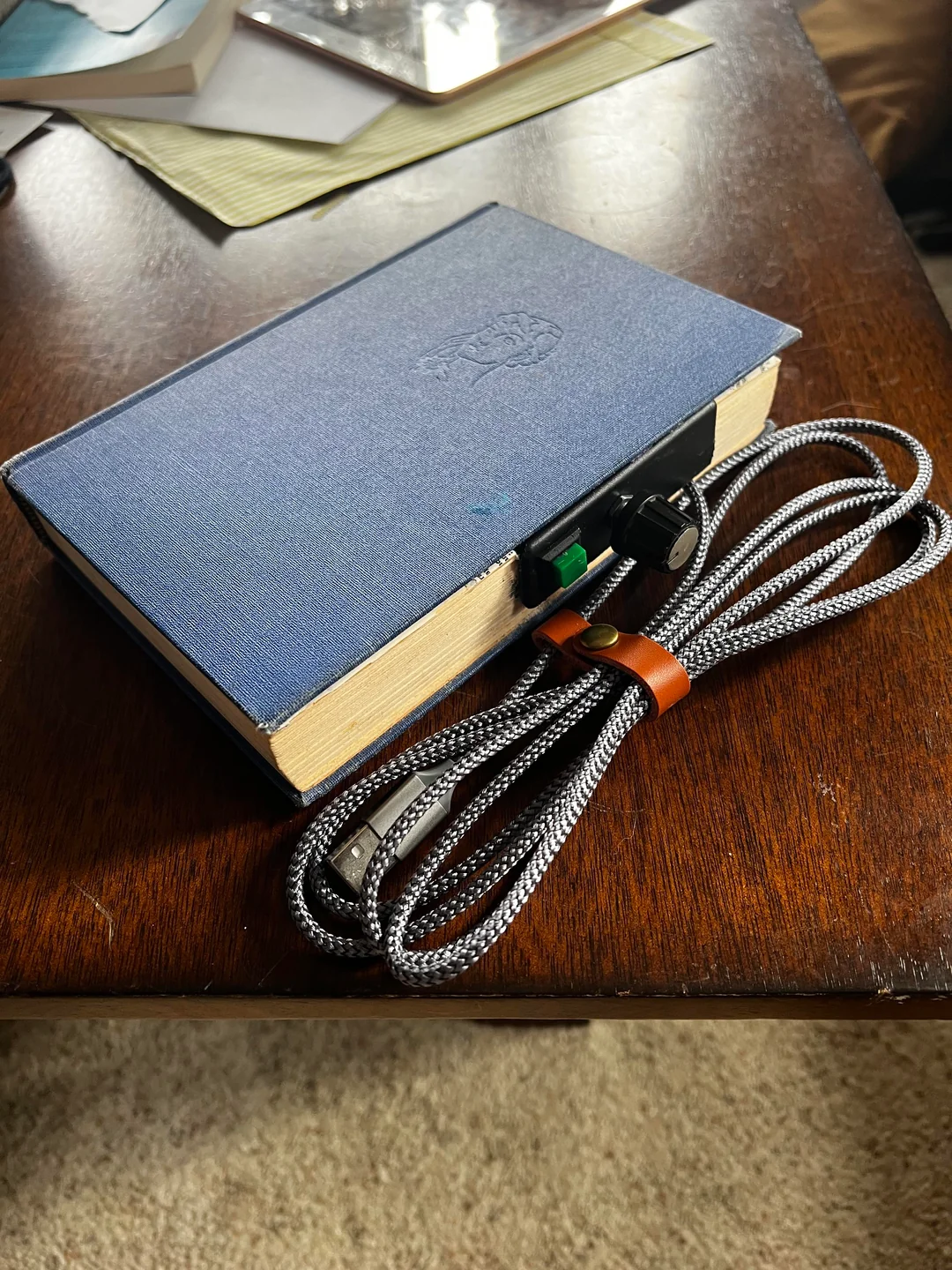
An e-book reader built from spare parts. The question wasn't "what's the best ereader I could design?" — it was "what can I make from these parts I have lying around?" Two Waveshare e-paper displays had been sitting in a drawer, gifted by someone who never got around to using them. That felt like enough of a reason.
Hardware
- Waveshare 7.5" black and white e-paper display — slow refresh, no backlight, readable in direct sunlight
- Raspberry Pi Zero 2 W — the same platform as the Nature Oracle
- KY-040 rotary encoder — the same encoder knob used in the CyGar cyberdeck: scroll in two directions, click to select
- UPS battery hat — onboard battery with power management; the device runs untethered
All input is handled by the rotary encoder. Two scroll directions plus a click action. No touch screen — this display doesn't support touch, and the constraint turned out to be fine.
Software
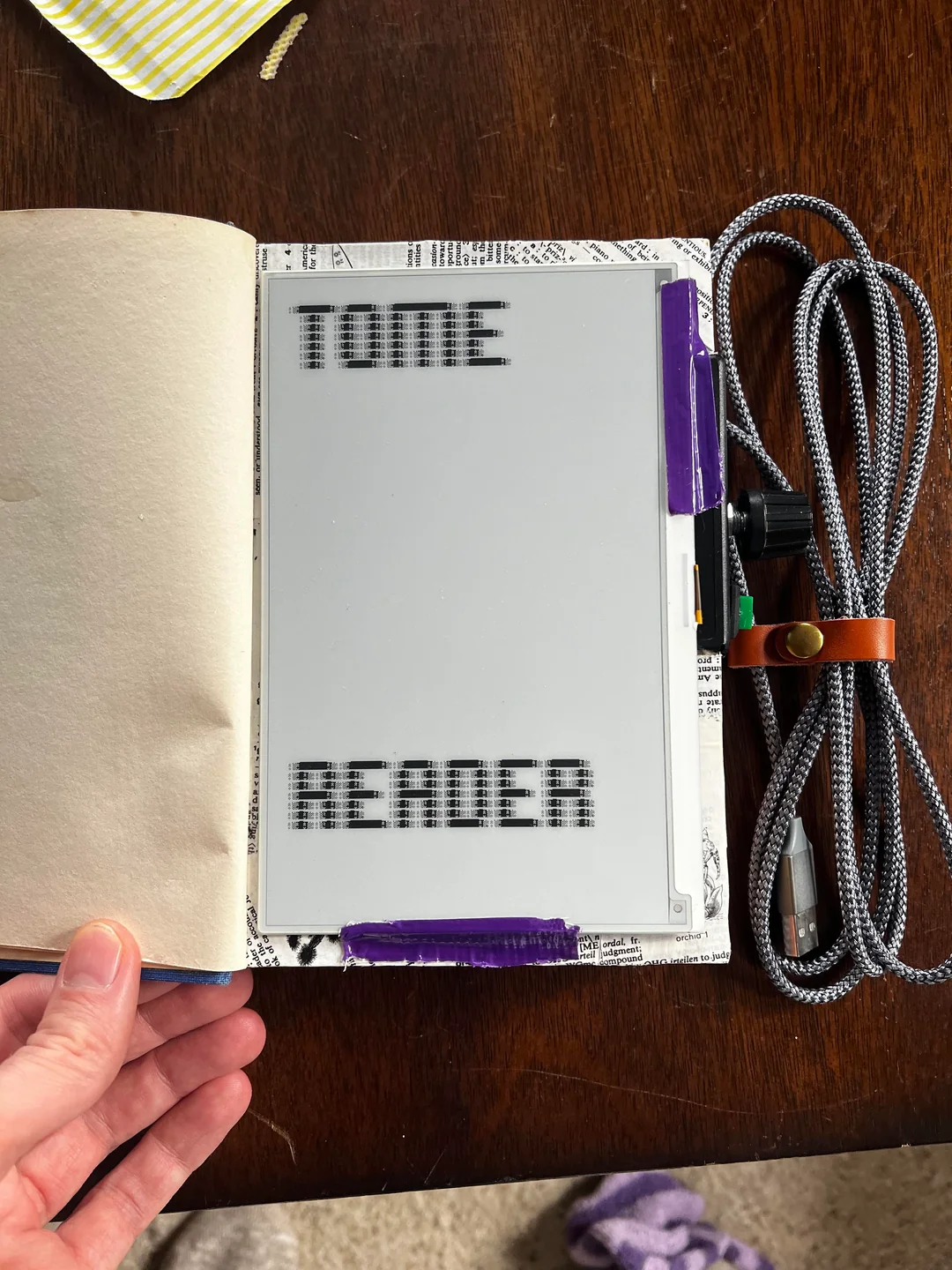
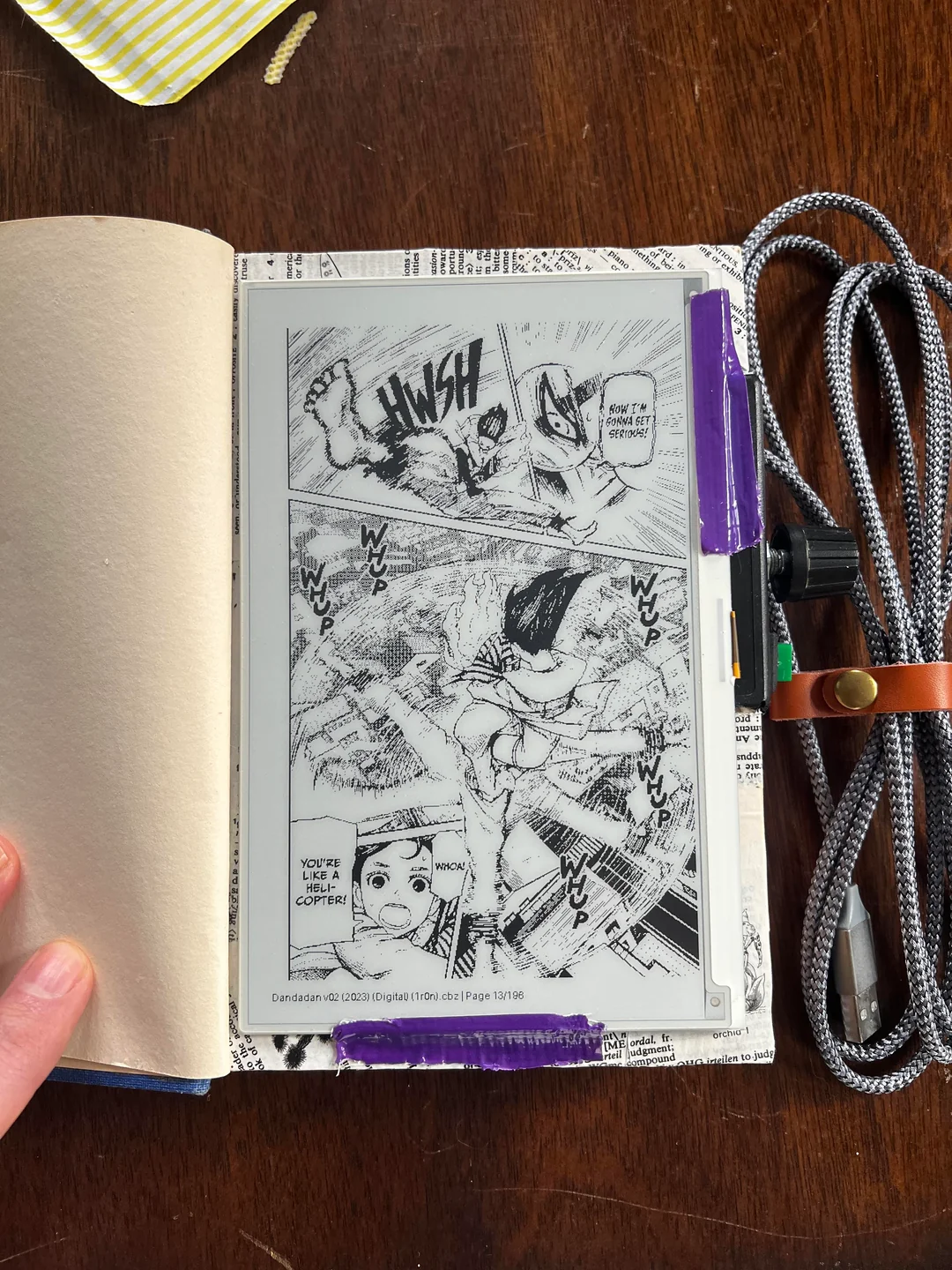
The reader is written in Python and runs on boot. It supports epub and CBZ formats. A book browser lets you navigate your library; once inside a book, the encoder scrolls through pages.
The main technical challenge with e-paper displays is refresh rate. Full refreshes — the kind that redraw the entire screen — take a couple of seconds and produce a distinctive flash. For a reading device, that's tolerable for page turns but painful for navigating menus.
Partial refreshes update only the changed region of the screen and are much faster, but the Waveshare Python driver didn't support them well out of the box. I had partial refreshes working fine on an Arduino using C++, but replicating that behavior in Python required modifying the driver directly.
The fix: I added a getbuffer_region() method to Waveshare's epd7in5_V2.py driver. It accepts any size image, converts it to 1-bit, inverts the bits for e-paper rendering, and returns the buffer — giving the application control over what region gets pushed to the display. The change is small but meaningfully improves navigation responsiveness.
The driver modification
The change lives in a fork of the official Waveshare e-Paper repository. One commit, one new method:
def getbuffer_region(self, image):
    # Accept any size image, convert to 1-bit, and invert bits for e-paper
    img = image.convert('1')
    buf = bytearray(img.tobytes('raw'))
    for i in range(len(buf)):
        buf[i] ^= 0xFF
    return buf
The fork is available on GitHub if you're working with the same display and running into the same partial refresh issues.
Source
Full source on GitHub. The driver fork is at ChrisMenning/e-Paper.